Own your library.
Host it yourself.
Read it everywhere.
Self-hosted comic library with OPDS support. Drop your CBZ/CBR files in a folder, point Issued at it, read from your phone, tablet, or browser. That's it.
 OPEN SOURCE
 $ docker compose up -d
# done. go read your comics.
OPDS → http://192.168.1.42:8181/opds/
Web → http://192.168.1.42:8181/reader/
See the full installation guide and docker-compose example.
What you get
No cloud, no subscription,
no nonsense.
Your folders, untouched
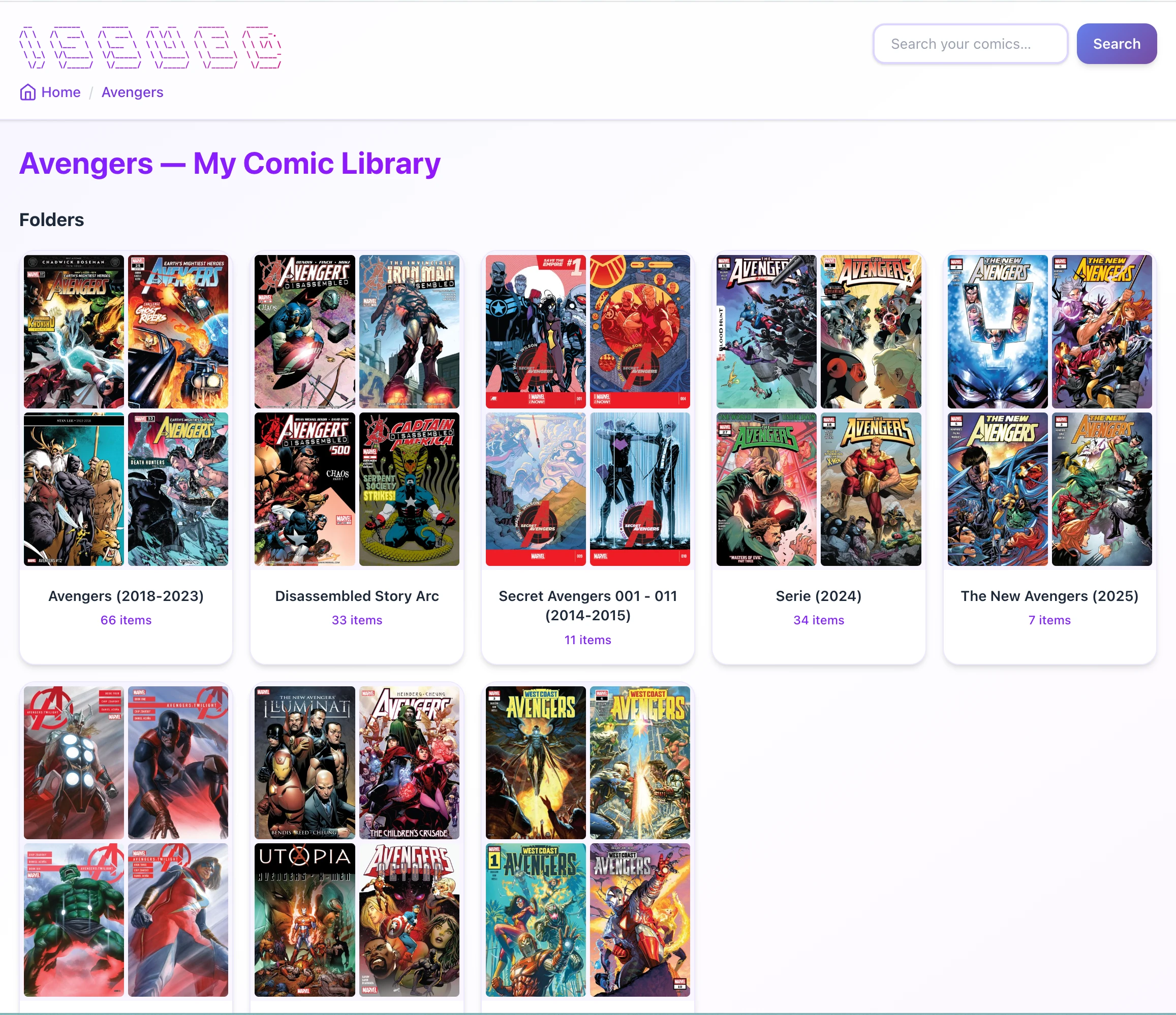
Issued reads your existing folder structure. No importing, no reorganizing. Your filesystem is already your library.
OPDS catalog
Standard OPDS feed works with Panels, Chunky, KyBook, Moon+ Reader, and dozens of other apps out of the box.
Built-in web reader
No app? No problem. Read directly in your browser on any device. Mobile-friendly, keyboard shortcuts included.
Live file monitoring
Drop a new comic file in your folder. Issued picks it up automatically — no rescanning needed.
Docker or standalone
One-liner with Docker Compose for your NAS, or download a single binary for macOS, Linux, and Windows.
ComicInfo.xml metadata
Reads embedded metadata automatically. Edit title, series, writer, and more from the web UI.
See it in action
Usable. Beautiful. Simple.
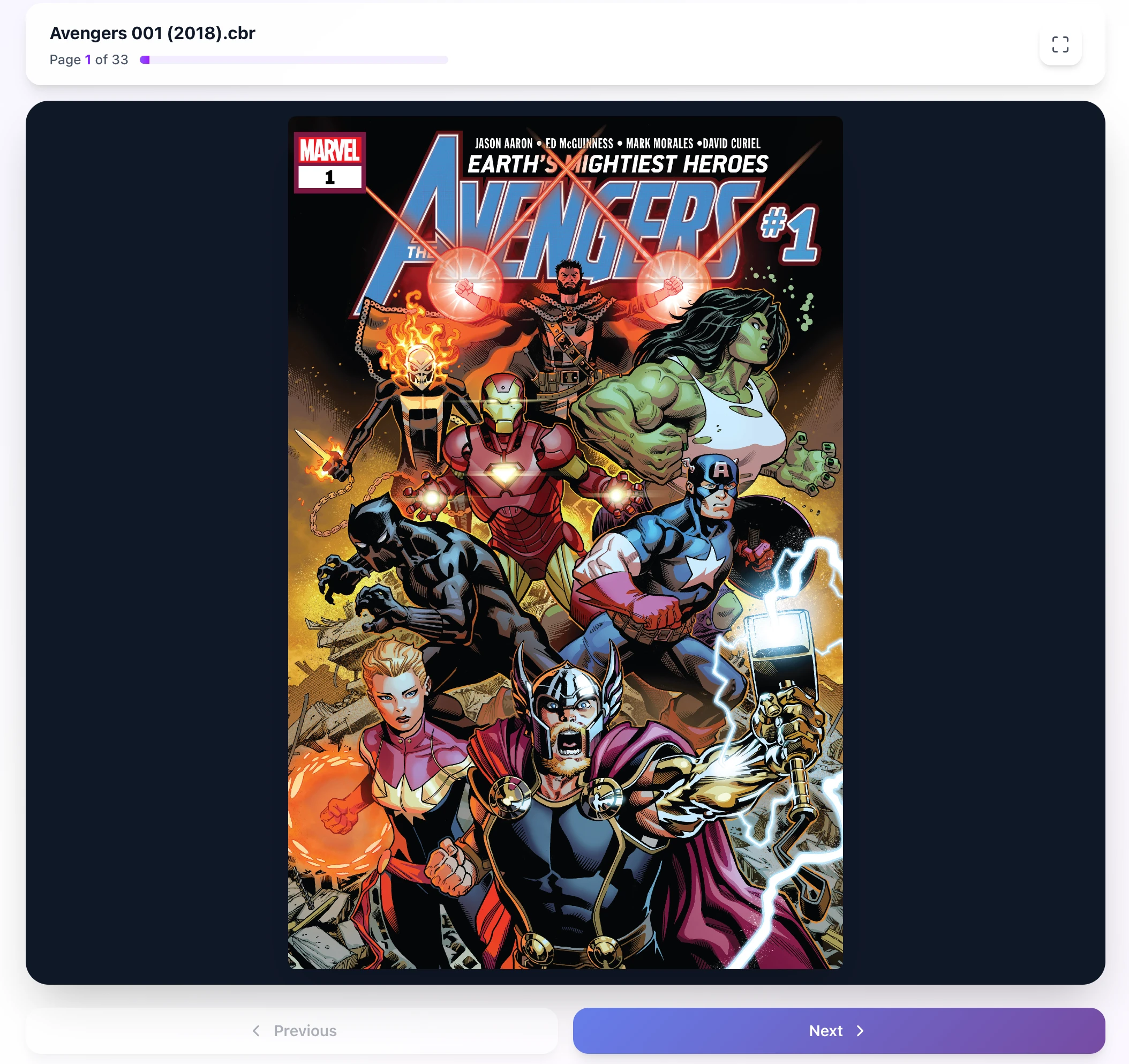
Read anywhere
Full-screen reader with page navigation, keyboard shortcuts, and a responsive layout that works on phones and tablets just as well as your desktop.
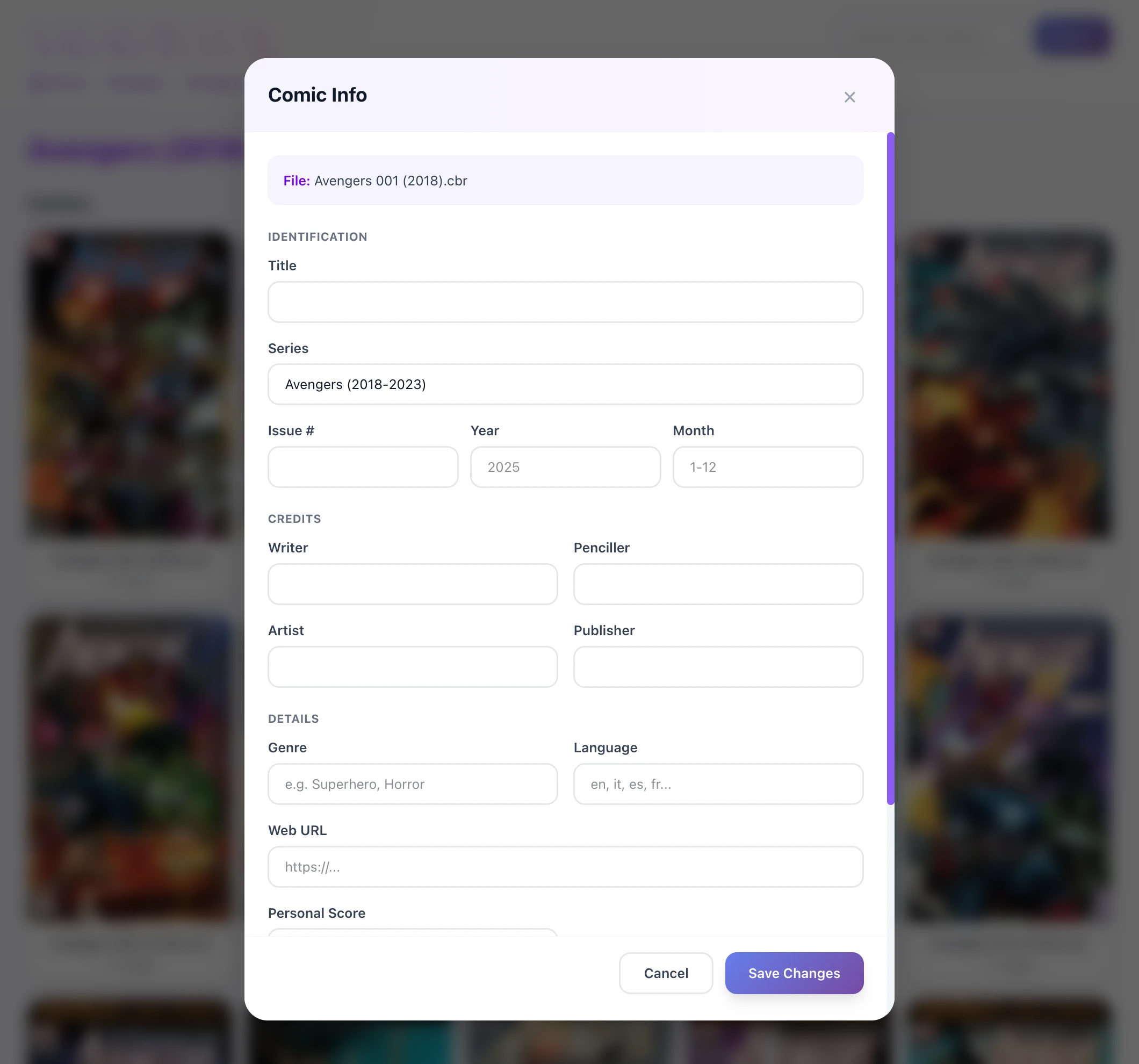
Edit comic info in-place
If your files have ComicInfo.xml, Issued reads it. If they don't, you can fill in title, series, writer, and more right from the browser.
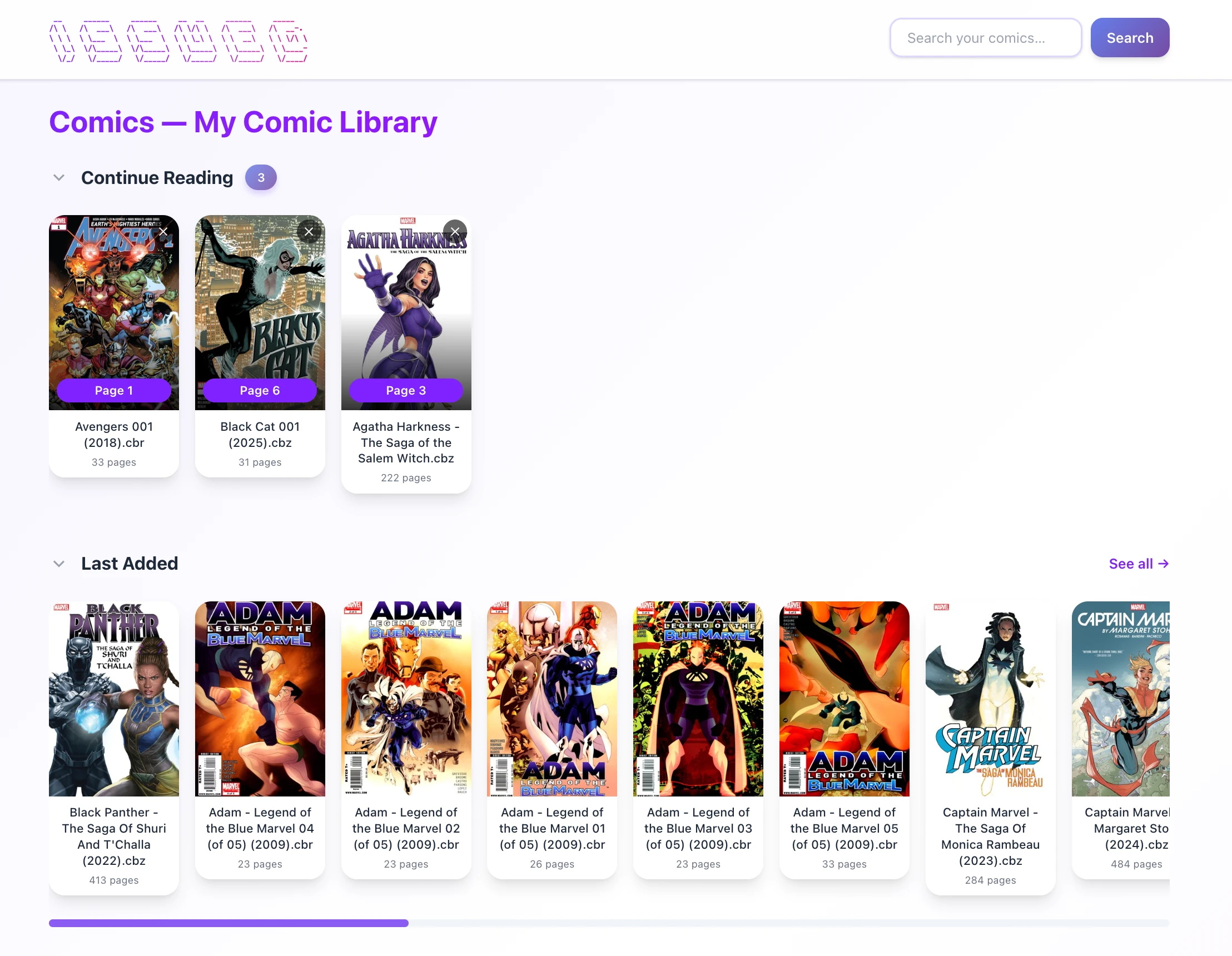
Pick up where you left off
Continue reading your current comic or check what was recently added. Your library stays organized without any effort on your part.
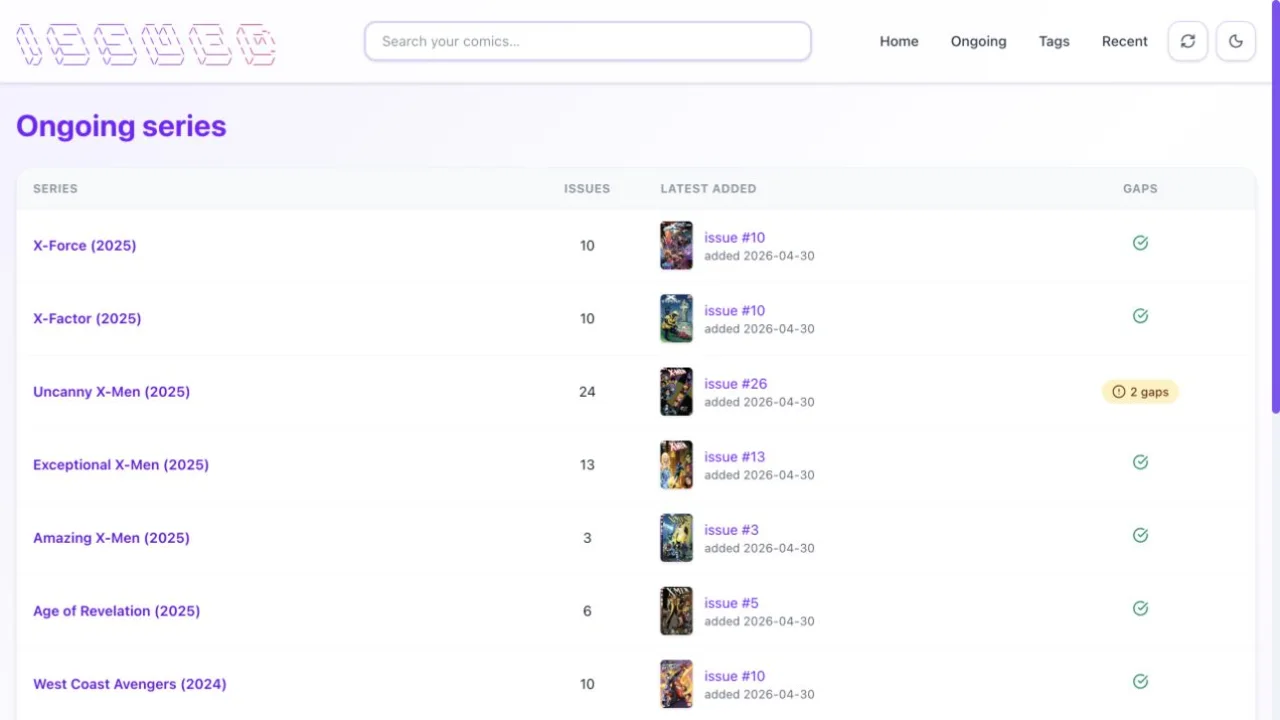
Stay on top of every series
Mark a series as ongoing to see issue counts, the latest addition, and missing numbers at a glance. Gaps stand out before they become a mystery.




Get started
Running in under a minute.
Choose your install method:
# create docker-compose.yml with:
#   image: ghcr.io/metalogico/issued:latest
#   volumes: /path/to/comics:/comics:ro

# start the server
$ docker compose up -d

# that's it. open http://YOUR-IP:8181/reader/
See the full installation guide and docker-compose example.